
The PDD Promise: Every resource is tested for 0.00ms idle impact and full framework compatibility.
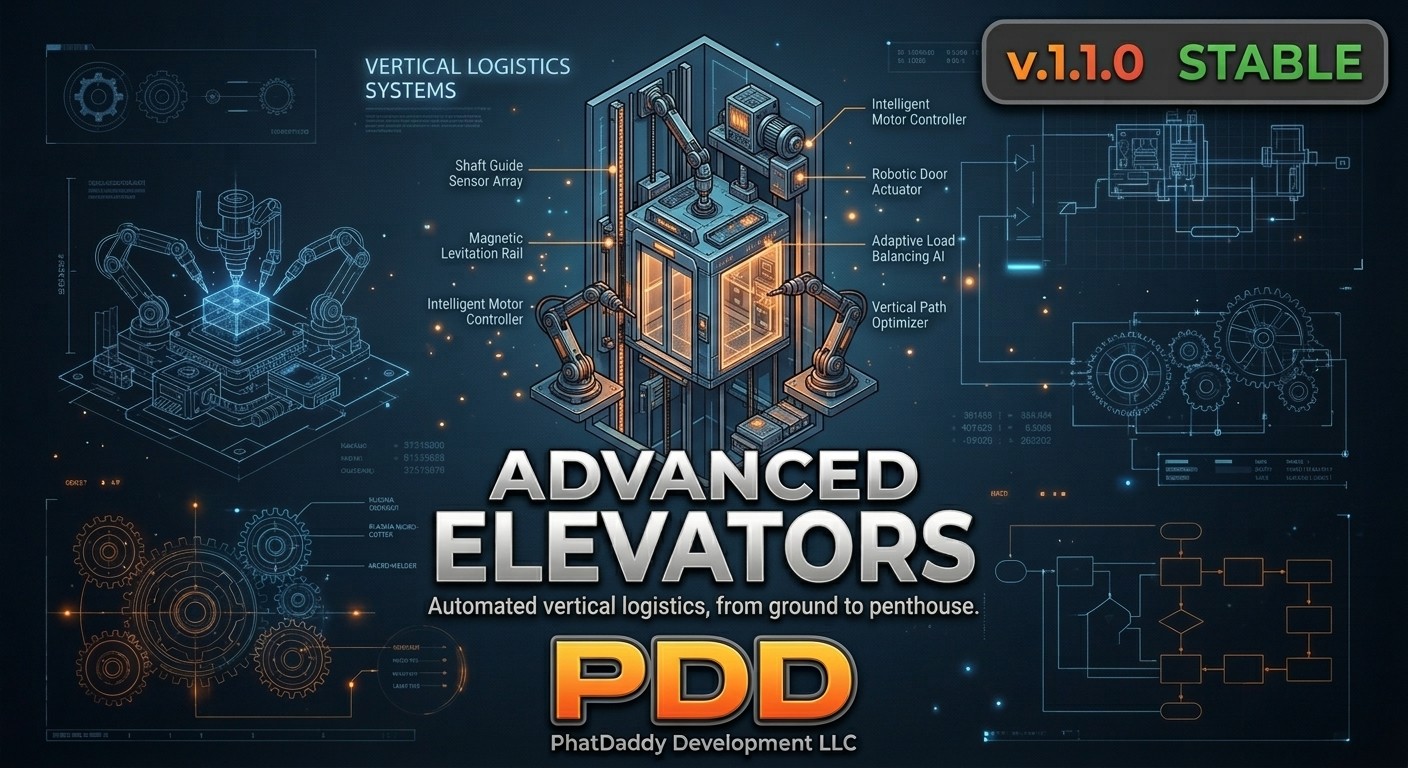
AI Voice. Minigame Security. Full Access Control. 100% Free. Most elevator scripts are glorified teleport buttons with a coordinate list. This one is a fully modular, access-controlled vertical transport system with Google Cloud TTS floor announcements, per-elevator job, item, and cash restrictions, and optional minigame hacking — all with zero external dependencies. Drop it in your resources folder, fill out a single config file, and it auto-detects your entire stack on startup. No bridges. No wiring. No dev required.
What sets it apart:
◈ The Voice: Powered by Google Cloud TTS, every floor can announce itself the moment a player enters the zone — "First Floor. F.I.B. Main Lobby." — in a configurable AI voice across 10 supported languages. It sounds like a real building. Your players will notice.
◈ The Lock: Each elevator shaft has its own independent access layer. Restrict by job, required item, cash, dirty money, or any combination. Denied players hear it from the elevator itself via a configurable TTS error response.
◈ The Stakes: Require a minigame hack before the doors open on any shaft. Fail it with removeItemOnFail enabled and that hacking device is gone. With removeMoneyOnFail, the bribe is seized. Server-side. Exploit-safe. Suddenly it's not just a loading screen.
| Watch |  | Preview |
client_editable.lua and server_editable.lua are included for custom or proprietary stacks.auto to let the script detect and select whatever minigame is installed. A 60-second failsafe prevents soft-locks if a minigame never resolves.removeItemOnFail or removeMoneyOnFail on any elevator. A failed hack destroys the required item or burns the required cash — processed server-side, not client-side. Players weigh every attempt.voiceText string that is synthesized and played back in real time when a player enters the zone. Voice model, language, and tier (Standard, Neural2, Studio, Wavenet) are all configurable. A full multilingual voice cheat sheet is baked directly into the config comments. Google's free tier covers normal server traffic — most operators will never see a bill.ErrorText config string runs through the same TTS pipeline and plays back immediately — no additional setup. Not using Google Voice? The script falls back to your standard notification system without a second thought..ogg files work out of the box with interact-sound or xsound. Custom audio pipeline? One function in client_editable.lua. Sound can be disabled entirely without touching anything else.client_editable.lua in a few lines.JobControl to hide blips from players who don't meet the shaft's job requirement — keeping restricted locations off the map for civilians.100% Standalone — No Bridge Required. This script has zero hard dependencies. All framework, inventory, and notification logic is handled internally through auto-detection.
Compatible natively with QBCore, ESX, and QBX. ox_lib is optional but recommended for UI menus and skill check minigames. AI voice requires a free Google Cloud account with the Text-to-Speech API enabled — full setup instructions are included in the README. Minigame support requires the respective minigame script to be installed and running.
We don't ship scripts that need a developer standing by to make them functional. Configure it once — framework detection, access rules, voice lines, minigame difficulty, blips — and it runs itself indefinitely. Add as many elevator shafts as your server needs, each with its own restrictions, its own voice, and its own consequences for failure. It's not a teleport script. It's building infrastructure.
