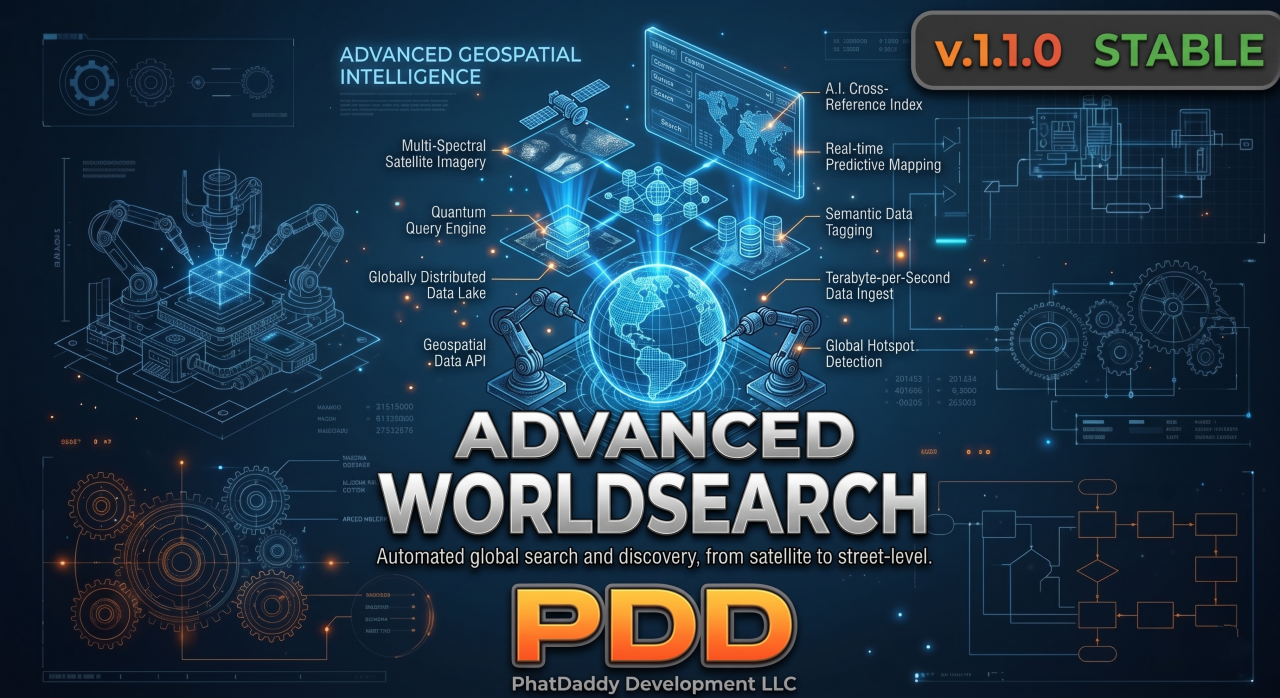
PDD Advanced WorldSearch
Search Any Prop. Configure Everything In-Game. Zero Config File Required. Most search scripts give you a Lua table, a prayer, and a restart every time you want to add a prop. This one gives you a fully operational in-game admin panel where every prop, loot table, cooldown, and interaction setting is managed live — no file editing, no resource restarts, no dev on call. Point at a prop. Add it. Done.
Real Server Impact:
◈ The Prop Catalog: A pre-built library of 50+ searchable props — dumpsters, trash cans, boxes, crates, mailboxes, dead bodies, vehicles and more — each with its own weighted loot table, category, and search radius. Enable or disable any prop from the admin UI without touching a single file.
◈ Unique Prop Pinning: Need a specific dumpster in the alley behind Grove St to have different loot than every other dumpster on the map? Pin it as a Unique Prop using the in-game Aim Select tool — point at any world object, lock it in, and give it its own custom loot table independent of its global type.
◈ Universal Target System Support: Plays nice with ox_target, qb-target, ox_lib TextUI, and native DrawText proximity prompts — auto-detected via pdd_bridge or locked to your preferred system from the settings panel. No code changes required when you switch frameworks.
| Watch |  | Preview |
Feature Breakdown:
- ◈ Zero-Config Admin Hub: Every feature — global props, unique props, loot tables, cooldowns, interaction settings, and search history — is fully managed from a polished in-game UI. No file editing. No restarts. Changes go live instantly.
- ◈ 50+ Pre-Built Searchable Props: Ships with a full default catalog covering dumpsters, trash cans, cardboard boxes, wooden crates, mail boxes, shopping carts, dead bodies, barrels, lockers, and more — all categorized, tagged, and ready to enable with one click.
- ◈ Unique Prop Pinning with Aim Select: Activate Aim Select mode from the admin UI, point your crosshair at any world prop, and lock it in as a location-specific unique with its own loot table — fully independent from its global prop type. No coords needed; the tool grabs them for you.
- ◈ Weighted Loot Tables: Each prop has its own loot pool with configurable item, label, min/max quantity, drop chance, and illegal flag. The weighted random roller ensures rare finds stay rare. Edit any entry live from the admin panel.
- ◈ Dual Cooldown System: Per-player prop cooldowns prevent farming the same prop repeatedly. Independent server-wide entity cooldowns stop multiple players from stripping the same physical object simultaneously. Both are tunable from the settings panel.
- ◈ Universal Target System Support: Native auto-detection via pdd_bridge supports ox_target, qb-target/qtarget, ox_lib TextUI, and native DrawText proximity prompts. Lock it to a specific system from the settings panel without touching any Lua.
- ◈ Custom Search Animations: Each prop supports a configurable animation dict and clip so the search action looks natural for whatever you're digging through. Falls back to a default ambient animation when none is specified.
- ◈ Real-Time Visual Feedback: A native on-screen progress bar with a cancellation check runs during every search. Movement cancels it immediately. The Aim Select tool renders a live laser line, entity outline, and impact ring marker so admins always know exactly what they're targeting.
- ◈ Dispatch Integration: Illegal item finds optionally fire a dispatch alert to your active dispatch resource via pdd_bridge. Toggle it server-wide from the settings panel — no individual prop configuration required.
- ◈ Empty Chance Control: Set a global percentage chance for a search to return nothing — useful for balancing scarcity without retuning every loot table individually.
- ◈ Search History Log: The admin UI includes a live search history panel showing the last 100 search events server-wide — player, prop, item found, and timestamp. Full visibility without a Discord webhook required.
- ◈ Discord Webhook Logging: Optionally mirror search events to a Discord channel via webhook. Configure the URL directly in config.lua — one line, no third-party dependency.
- ◈ 10 Languages, Out of the Box: English, Spanish, French, German, Italian, Portuguese, Russian, Arabic, Chinese, and Japanese. All locale strings live in clean, editable Lua files — drop in your own language in minutes.
Technical Requirements
PDD Bridge (Free): This script requires our centralized pdd_bridge for framework and UI routing.
Compatible natively with QB-Core, ESX, and QBox. Supports ox_target, qb-target, ox_lib, and native TextUI interaction out of the box. No framework-specific code lives in this resource — the bridge handles everything. No database dependency.
The PhatDaddy Advantage
We built this for server owners who have better things to do than edit Lua files every time they want to add a trash can to the loot rotation. Once it’s installed, your head admin can pin new unique props, tune loot tables, adjust cooldowns, and monitor search activity — all from inside the game, all without touching a single file. It’s not just a search script. It’s a fully operational prop economy you actually control.
◈ Community Support Provided Via Discord ◈